Easy Upload & Organization
Drag-and-drop upload for all file types. Organize documents in folders and categories with custom naming conventions for easy retrieval.
Manage every aspect of your board documents with enterprise-grade security and intelligent features
Drag-and-drop upload for all file types. Organize documents in folders and categories with custom naming conventions for easy retrieval.
Track every change with complete version history. Restore previous versions, compare changes, and maintain a full audit trail of all modifications.
Control who can view, edit, or share each document. Set permissions at the file or folder level with role-based access control for maximum security.
View and annotate PDFs directly in eBoard. Highlight text, add comments, draw annotations, and collaborate without leaving the platform.
Send documents for digital signatures using Adobe Sign or docuSign integration. Track signature status and receive notifications when documents are signed.
Combine multiple documents into comprehensive board packs. Automatically compile agendas, reports, and supporting documents into a single colection.
eBoard supports every document type your board needs, with specialized features for each
Upload any file type - PDFs, Word documents, Excel spreadsheets, presentations, images, and more. Each document gets automatic version tracking and can be shared with specific team members or committees.
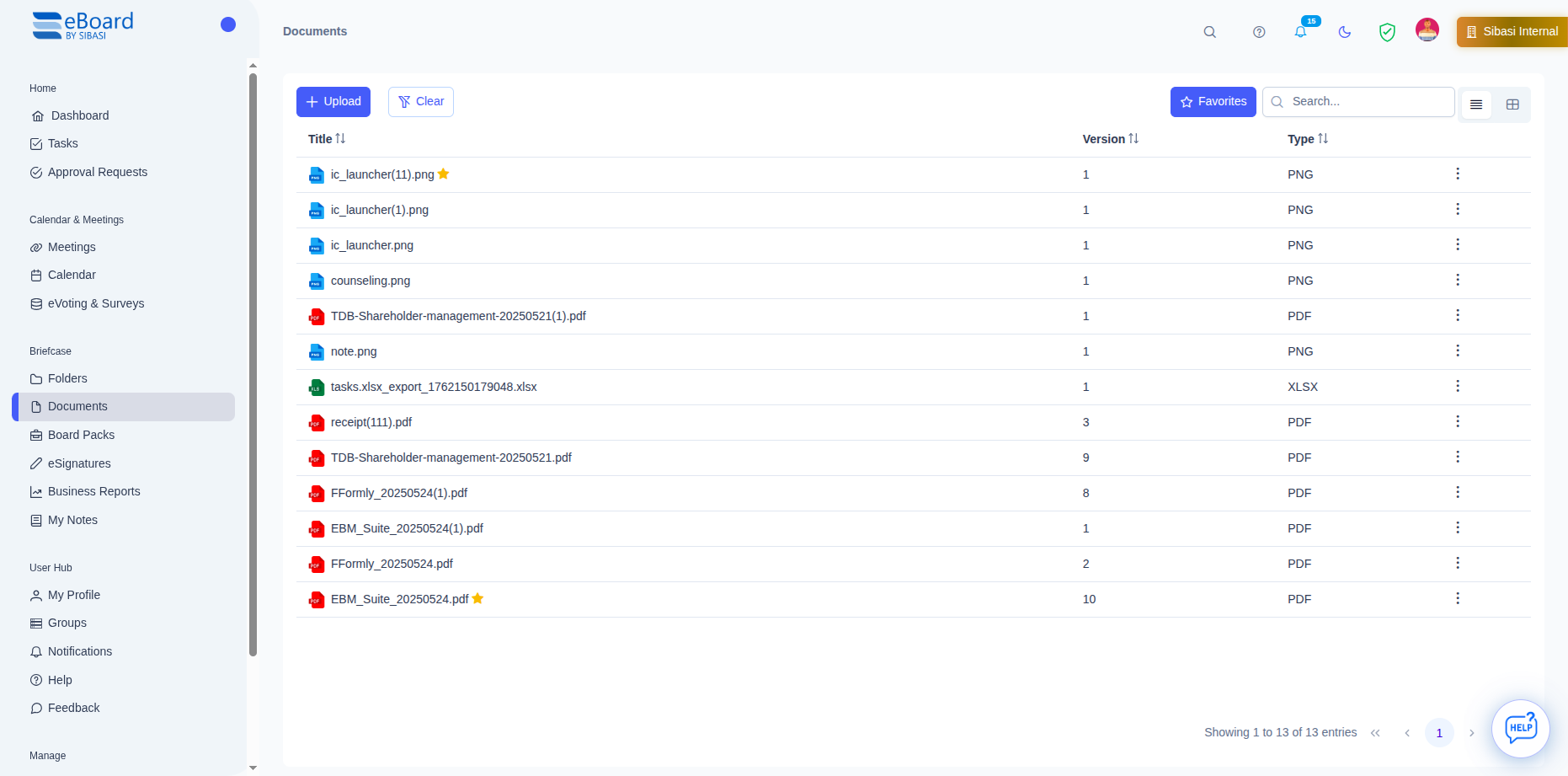 Click to view full image
 Create hierarchical folder structures to organize documents by department, committee, meeting, or any custom category. Folders inherit permissions and can be shared with entire teams at once.
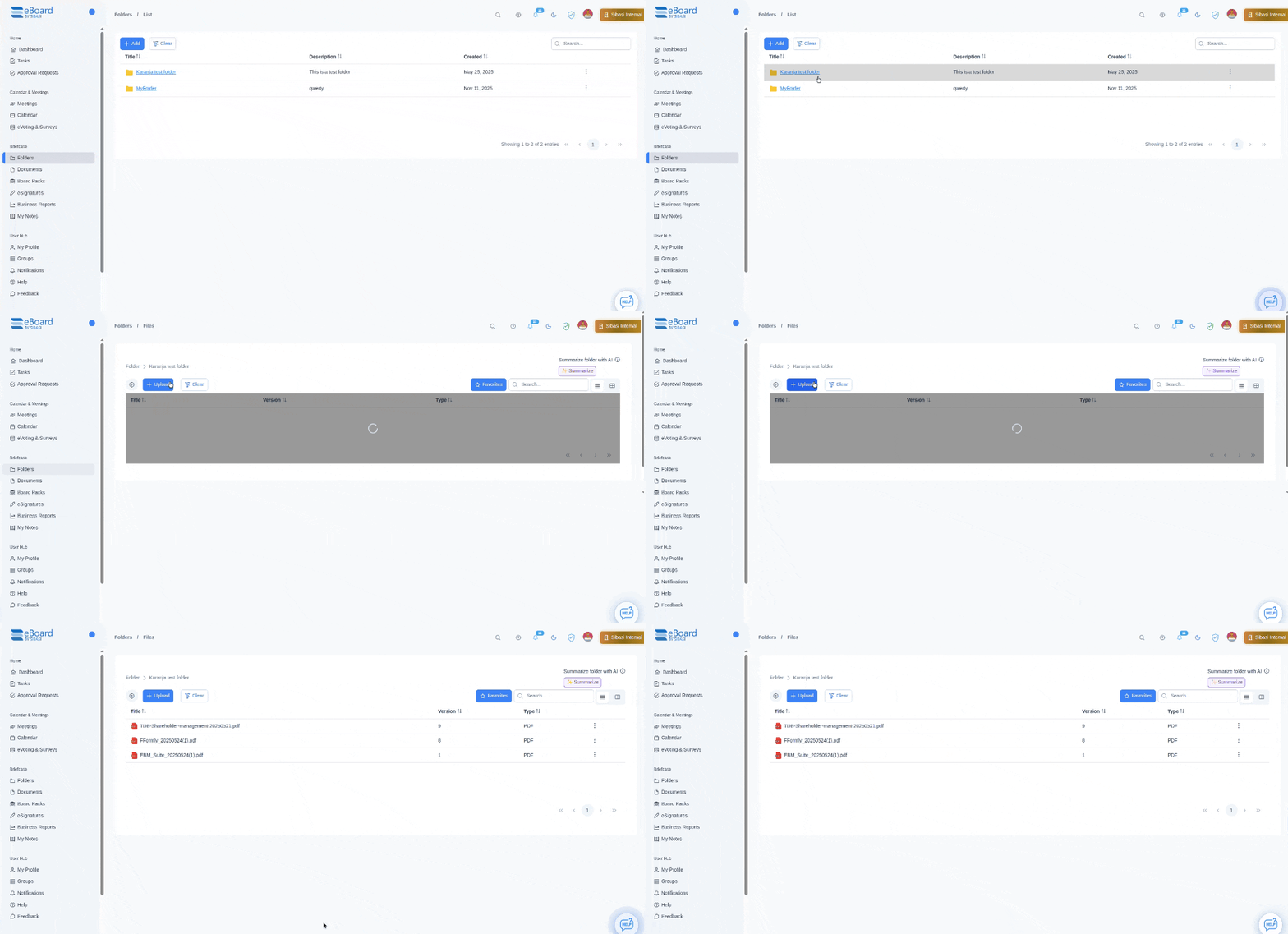 Click to view full image
 Automatically compile comprehensive board packs by combining agendas, minutes, reports, and supporting documents. Board papers are version-controlled and can be distributed to all board members with one click.
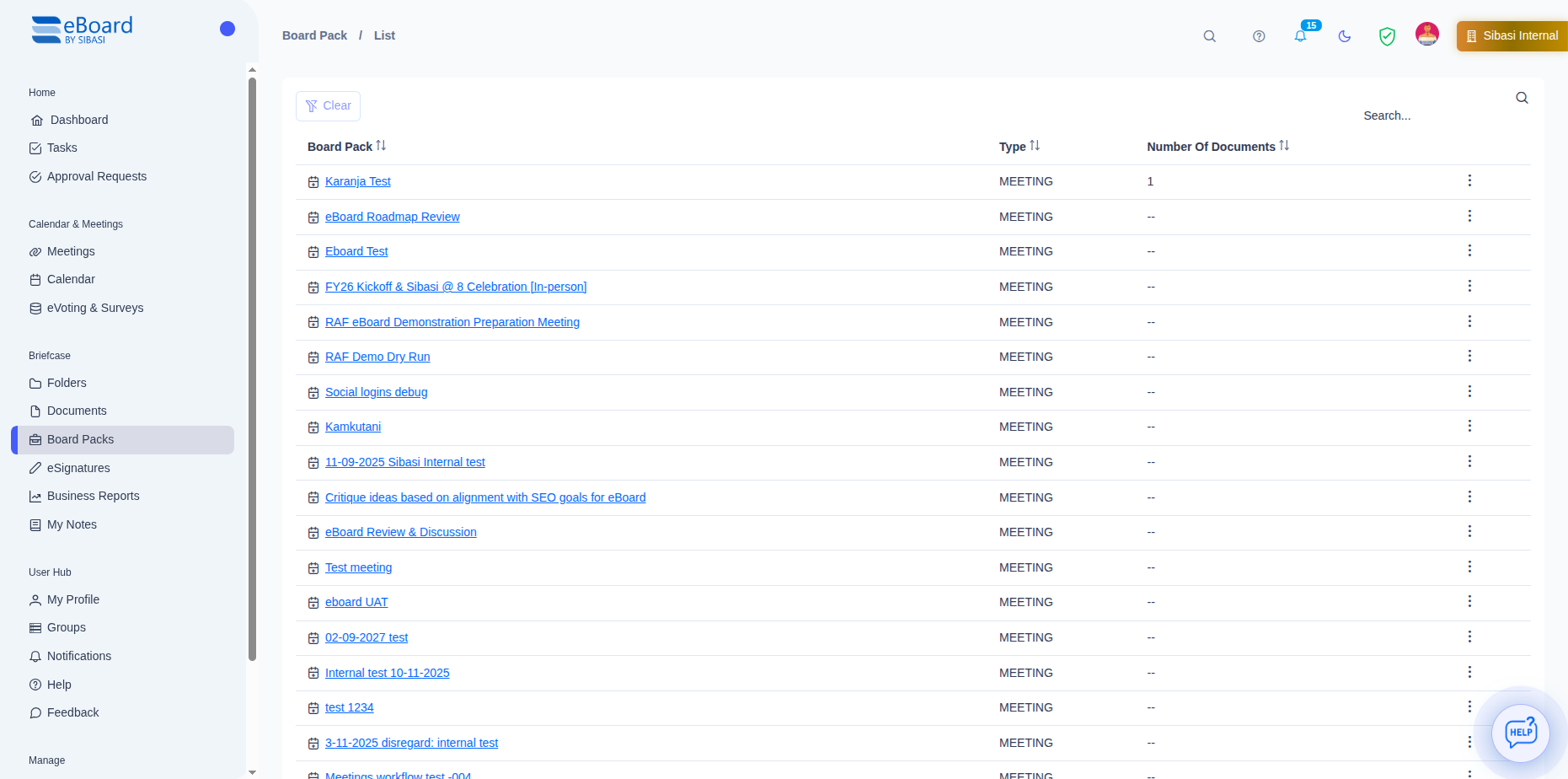 Click to view full image
 Complete version control ensures you always know who changed what, when, and why
Every save, edit, or annotation creates a new version automatically. No manual version numbering or confusing file names like "final_v2_FINAL_revised.docx".
View any previous version and restore it with a single click. Compare versions side-by-side to see exactly what changed between iterations.
See who made each change, when they made it, and what they modified. Full accountability for every document edit and access.
Add comments to versions explaining what changed. Create a clear narrative of document evolution for future reference.
Lock specific versions to prevent accidental changes. Perfect for approved board papers or signed contracts.
Search through version history to find when specific content was added, modified, or removed from a document.
Let artificial intelligence help you work smarter with your documents
Get instant AI-generated summaries of lengthy documents. Perfect for quickly understanding board papers, reports, and contracts without reading every page.
AI identifies and highlights critical information and key insights from documents for quick reference and faster comprehension.
Get AI-powered summaries of entire folders. Understand the collective content of multiple documents at a glance.
Ask questions about document content and get instant answers. No need to read through pages – just ask what you need to know.
Get instant help navigating eBoard features, finding documents, and understanding how to use the platform effectively.
Request AI to generate meeting minutes or agendas from your uploaded documents for faster preparation and documentation.
Note: AI features may generate inaccurate information and should be used as assistance tools, not as definitive sources.
Send documents for digital signatures without leaving eBoard. Powered by Adobe Sign for legally binding electronic signatures.
Select a document, choose signers from your organization, and send – it's that simple.
See who has signed, who's pending, and when each signature was completed with detailed signature trails.
Signers receive email notifications with clear instructions. Automated reminders ensure timely completion.
Adobe Sign & docuSign integrations provides legally valid signatures compliant with e-signature laws worldwide.
Note: Your organization admin must configure Adobe Sign or docuSign credentials to enable eSignature functionality.
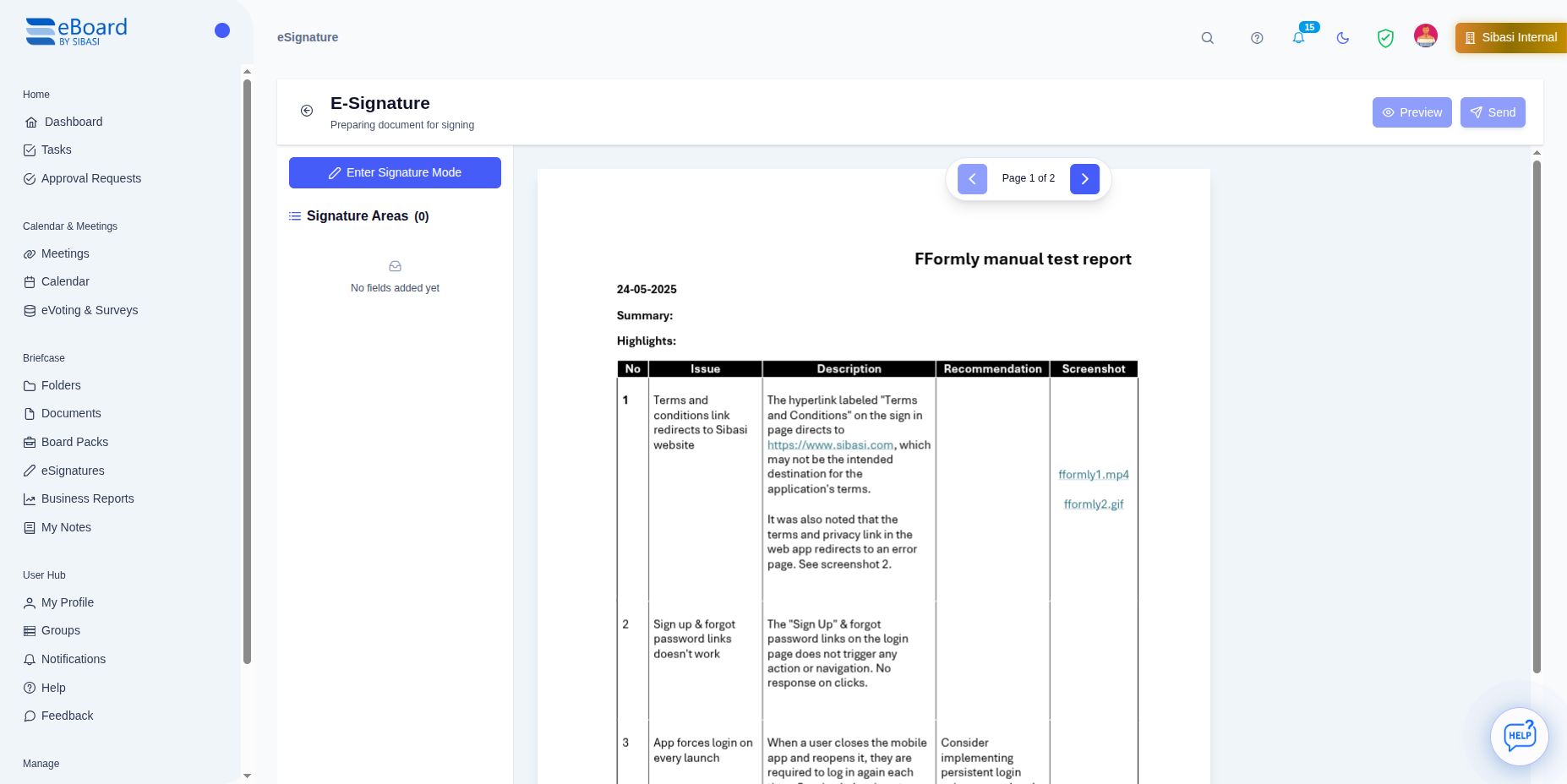 Click to view full image
 Experience the advantages of centralized, intelligent document management
No more hunting through email attachments or shared drives. Everything is organized, searchable, and instantly accessible in one secure location.
Automated board pack creation, instant document sharing, and AI summaries reduce administrative time by up to 70%.
Complete audit trails, access logs, and version history make regulatory compliance effortless. Ready for any audit.
Review documents on any device – desktop, tablet, or mobile. Even offline mode ensures you're never without critical information.
Eliminate expensive file servers and reduce IT overhead. Cloud storage with unlimited scalability at predictable costs.
Real-time annotations, comments, and edits keep everyone on the same page. No more version conflicts or lost changes.
Everything you need to know about document management in eBoard
Join organizations that have eliminated document chaos with eBoard's intelligent repository. Start managing your documents better today.
Discover other powerful features that work seamlessly with document management
Link documents to meetings, create agendas with attached files, and distribute board papers to all participants automatically.
Learn MoreGet instant document summaries, extract key points, and search across all files using natural language AI queries.
Learn MoreConvert meeting discussions into trackable tasks with assignees, due dates, and automated follow-up reminders.
Learn More